Why Should You Register Custom Image Size in WordPress?
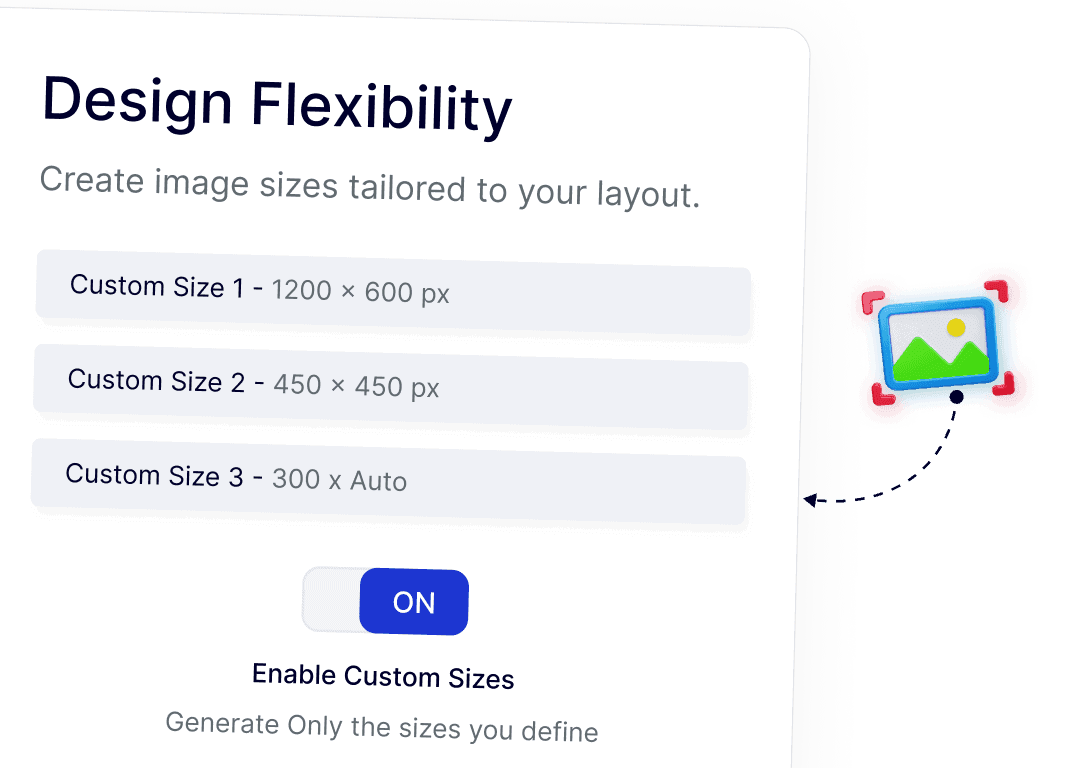
Create Image Sizes Tailored to Your Layout
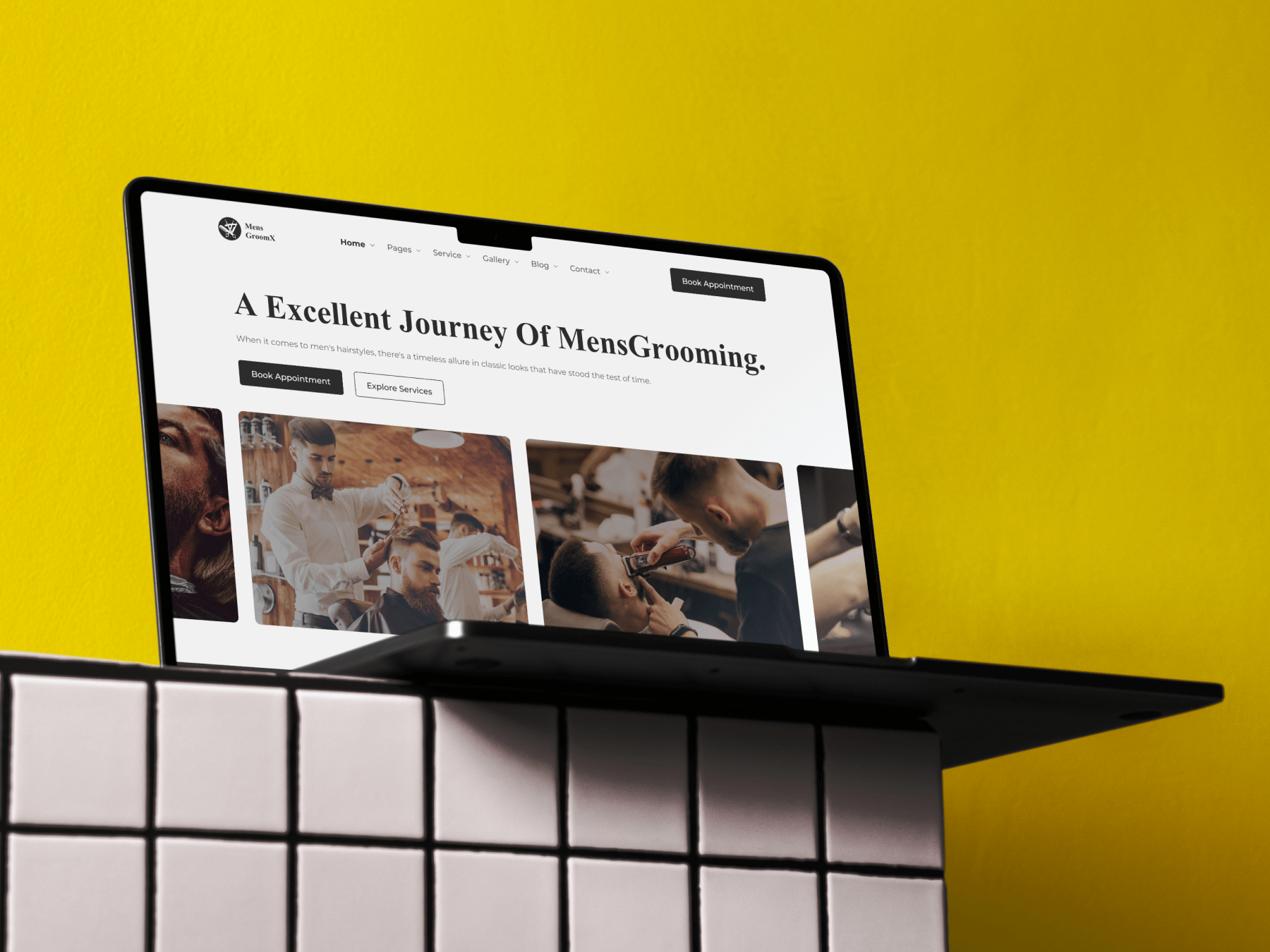
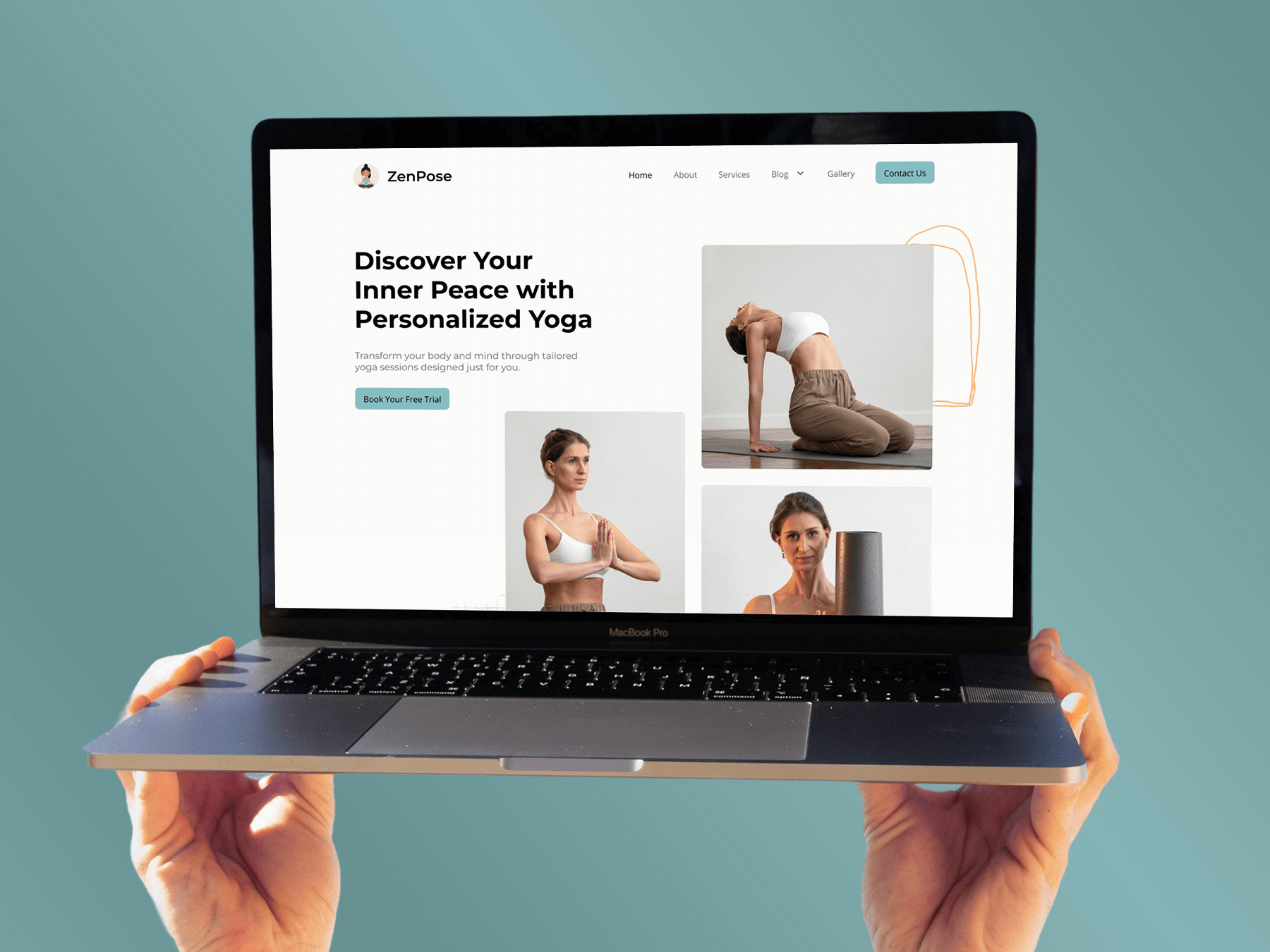
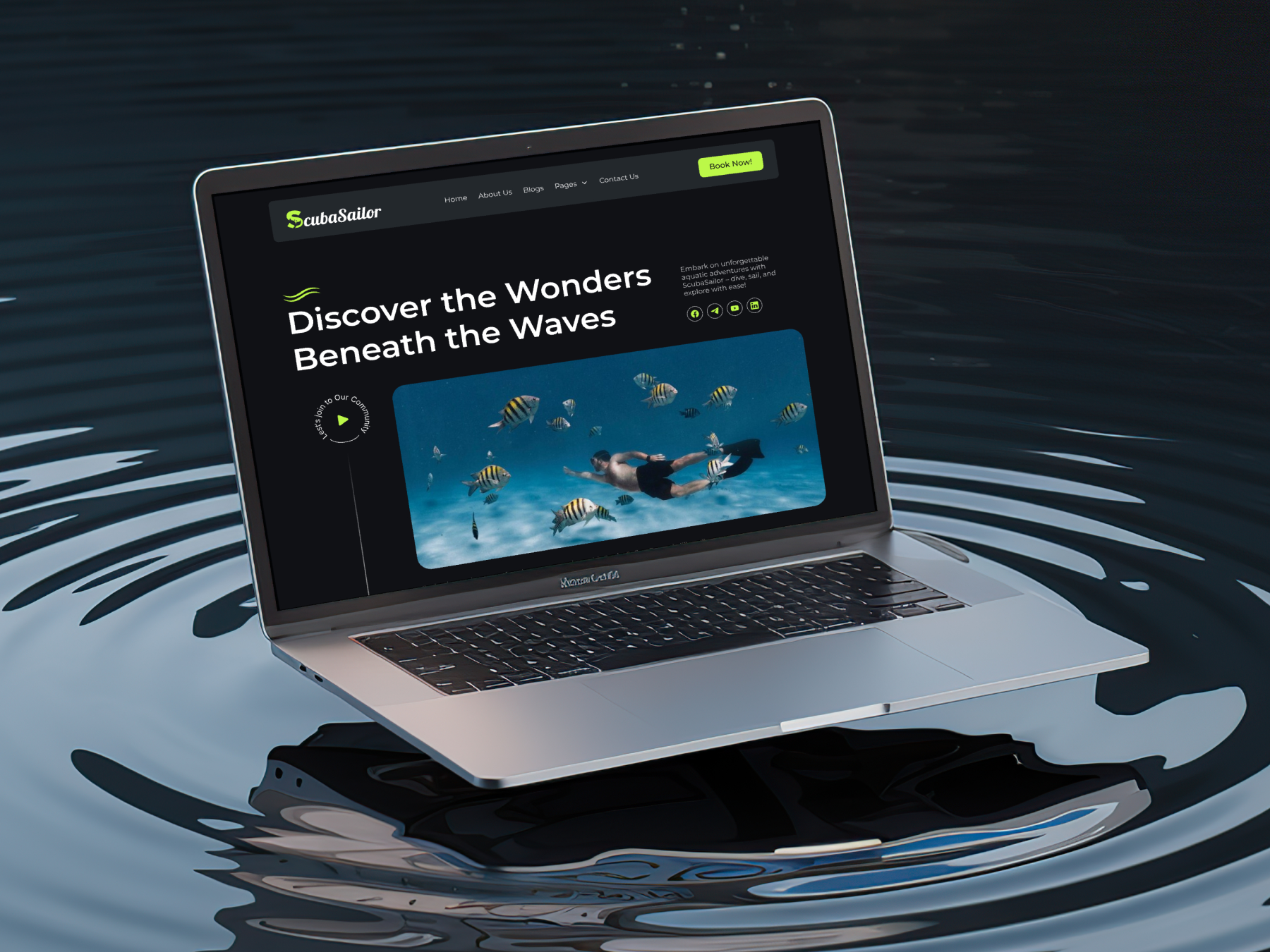
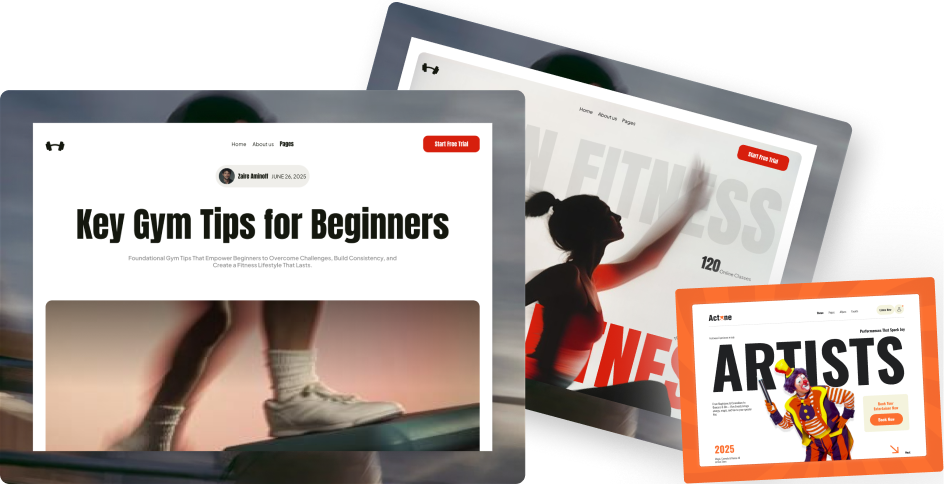
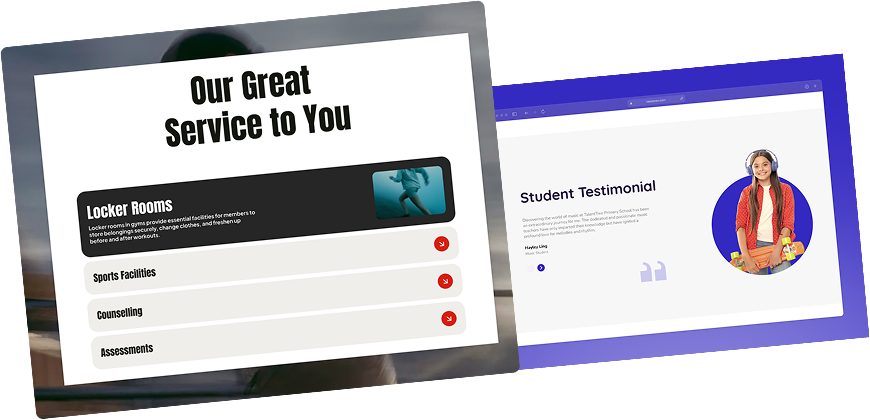
Define custom image sizes that align with your site’s layout, whether it’s a blog grid, hero section, or featured area. This helps images fit naturally into your design without extra adjustments.
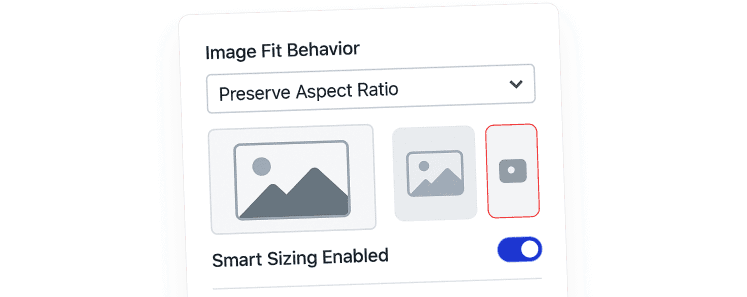
Maintain Visual Consistency Across Pages
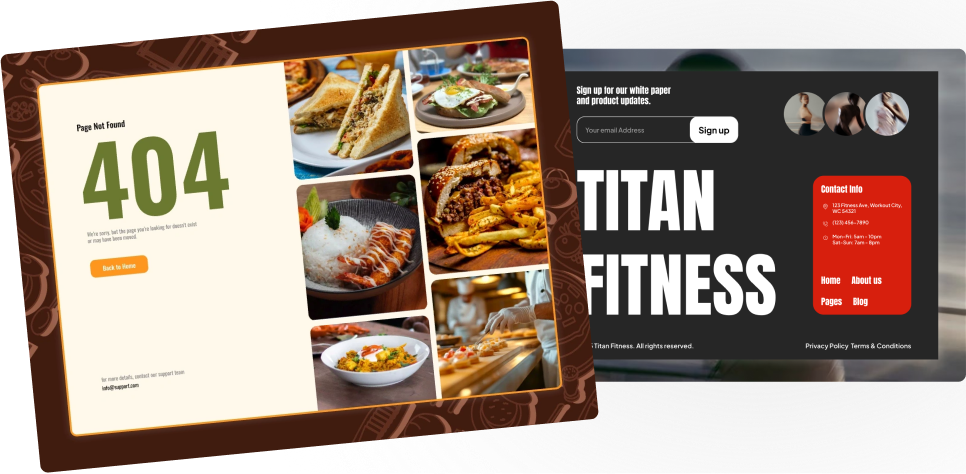
Custom image sizes help keep images visually consistent throughout your site. By using the same dimensions everywhere, your pages look cleaner and more balanced.
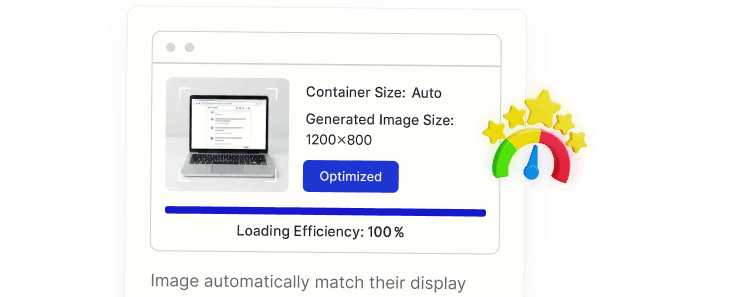
Deliver Optimized Images Automatically
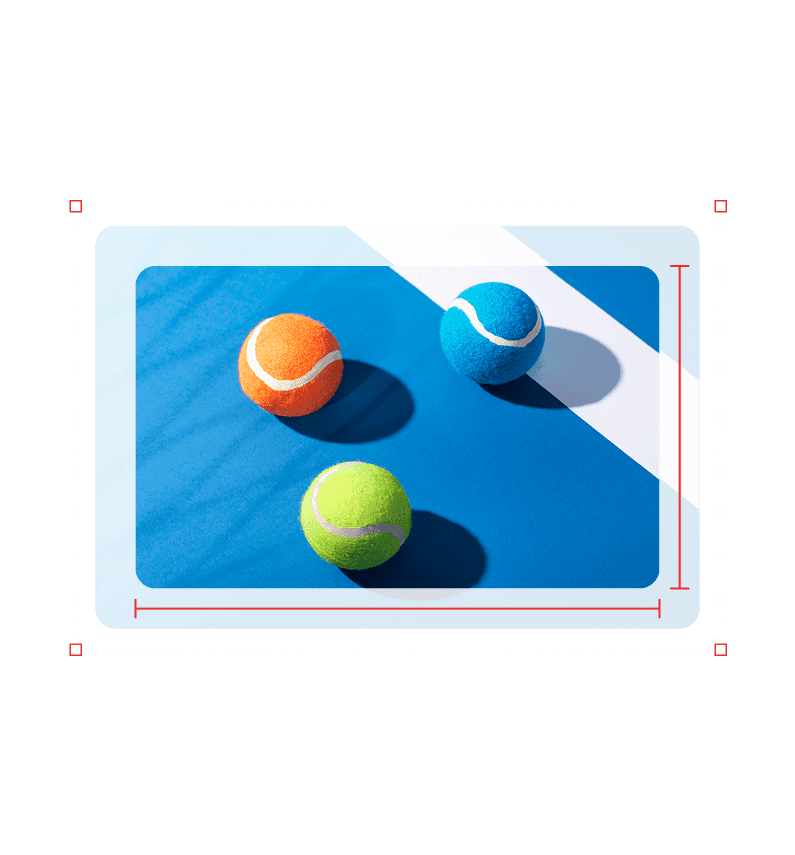
Once image sizes are registered, WordPress generates them automatically on upload. This ensures the right image size is served in the right place, without manual resizing.
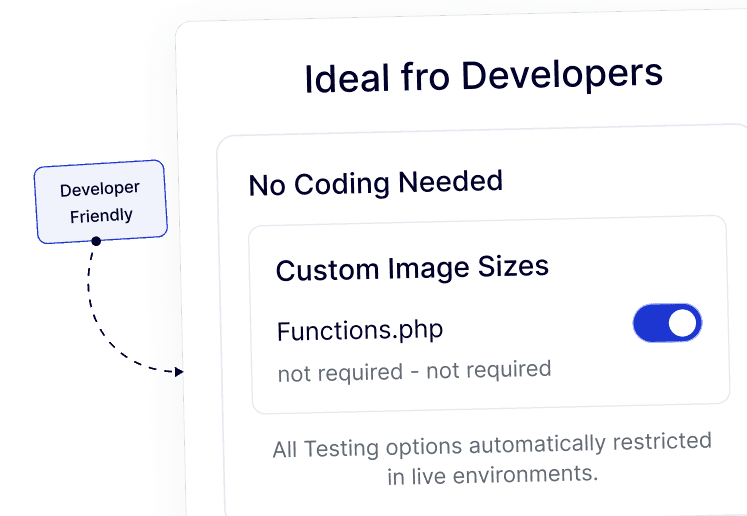
Enable Developer Features Without Editing Files
Quick setup without editing functions.php.
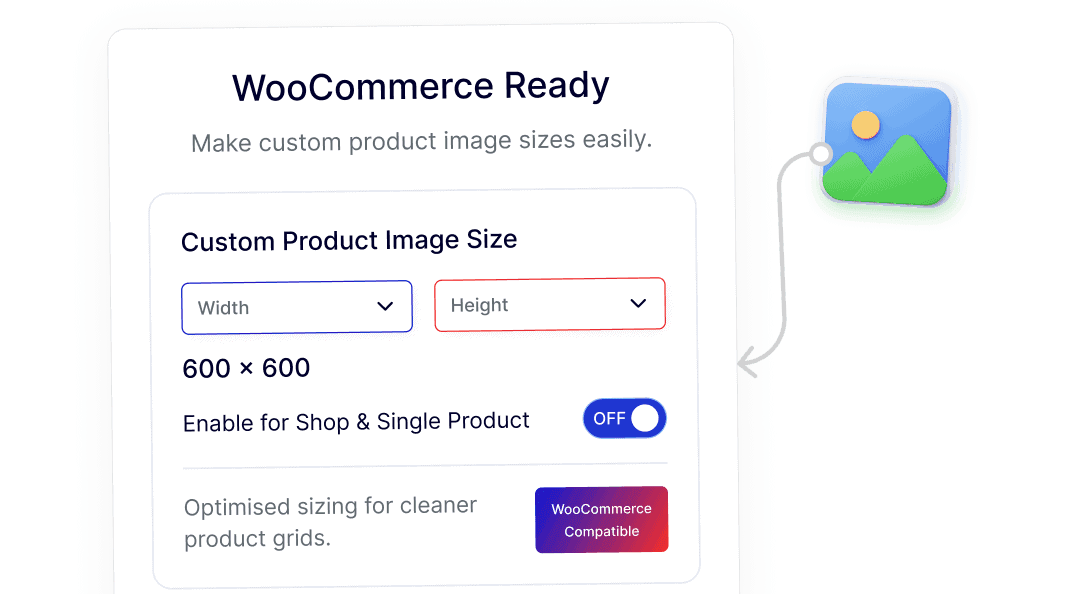
Create Dedicated Image Sizes for WooCommerce Products
Set up custom image sizes specifically for WooCommerce shops and product pages. This helps product images display neatly in grids and on single product layouts.